

 Live


Upload Center: file uploads and custom pricing for Shopify
Features
Everything you need to sell made-to-order products
Upload Center replaces email attachments and manual quotes with a clean, automated flow from product page to production.
File upload widget
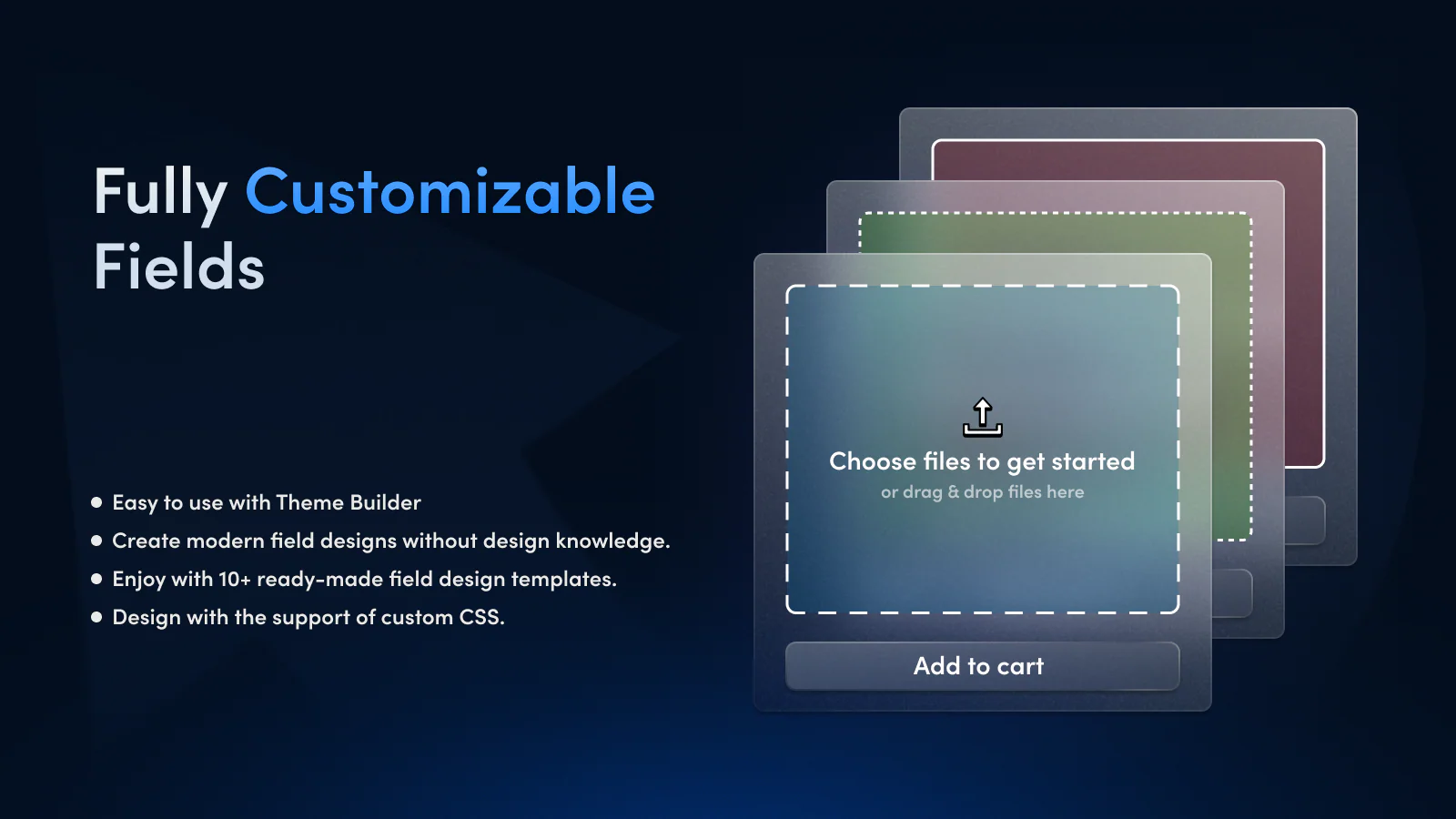
Add a drag-and-drop upload field to any product page with a theme app block. Customers upload artwork, photos or documents before adding to cart.
Custom pricing
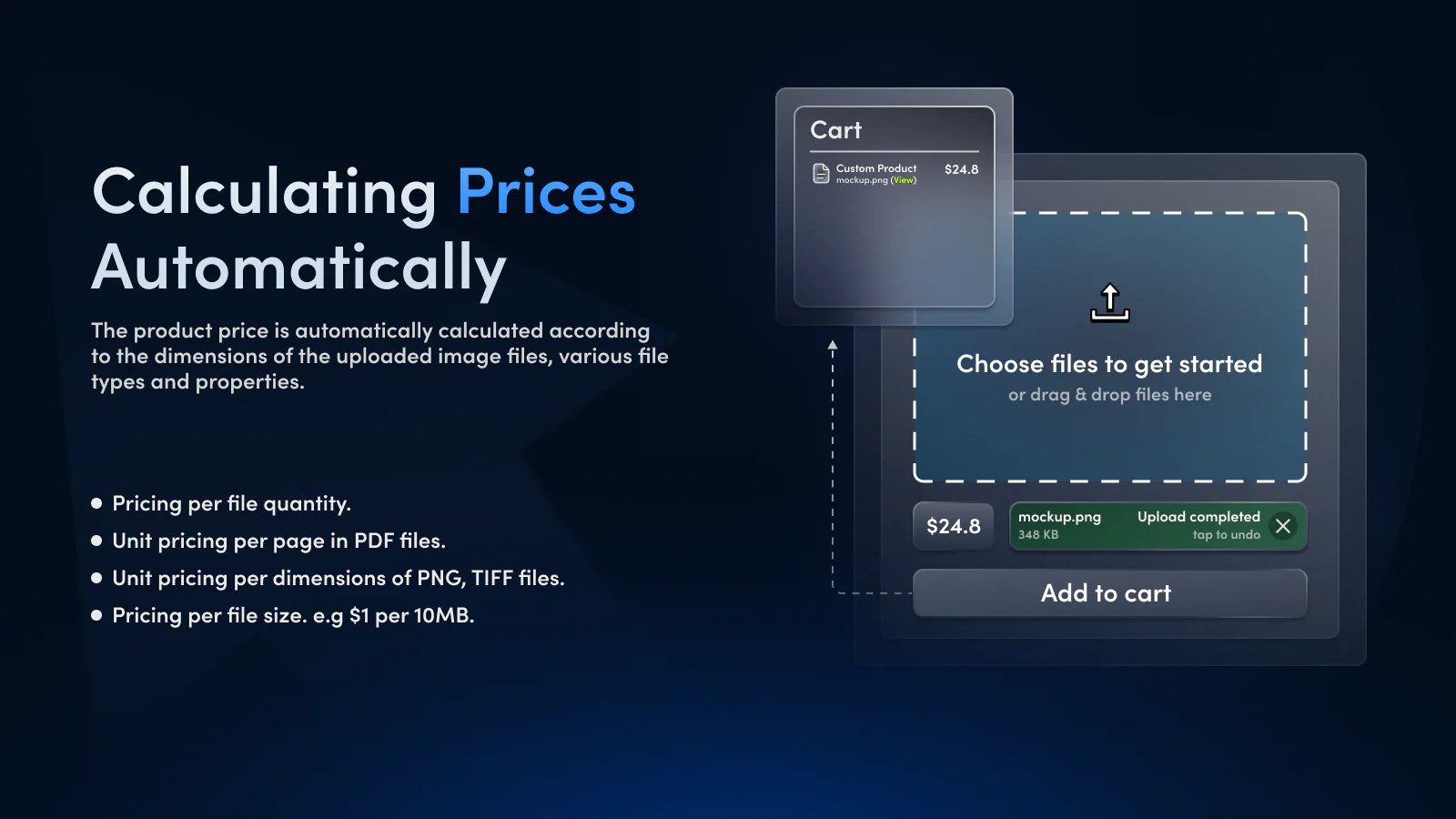
Calculate prices dynamically from dimensions (area, volume), quantity, number of files or file attributes — ideal for print and made-to-order products.
File validation
Enforce file types, size limits, pixel dimensions and minimum DPI so every file you receive is print-ready.
Secure storage
Files are stored securely in the cloud. Preview, organise and download them from the app inside your Shopify admin.
Seamless checkout
Uploaded files are linked to cart line items and order details automatically — no email back-and-forth with customers.
Bulk export & API
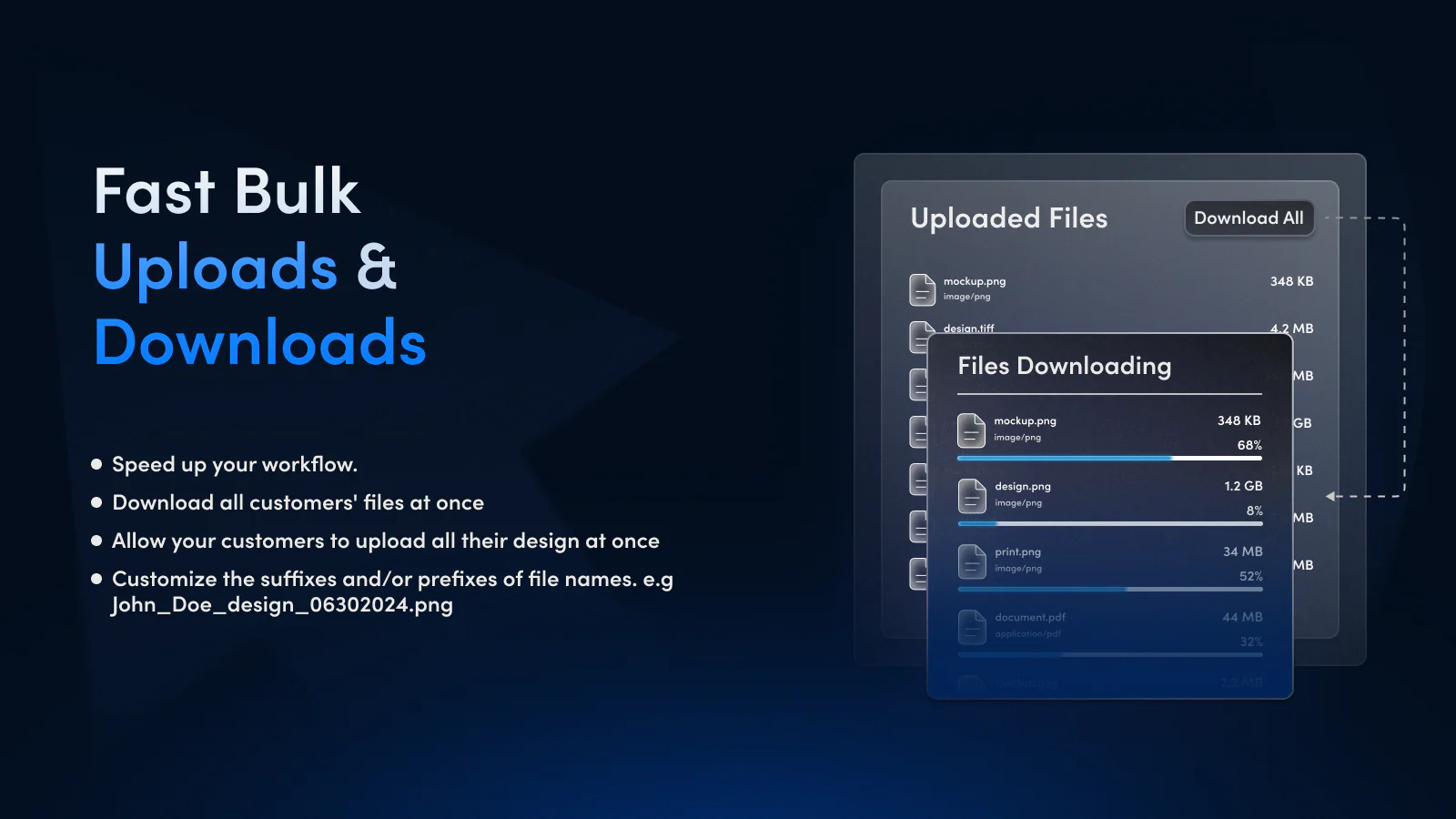
Download all files for an order in one click, or automate your production workflow through the API.
How it works
Live on your store in minutes
Install from the Shopify App Store
One click, no theme code edits. Works with Online Store 2.0 themes.
Configure upload & pricing rules
Choose products, file rules, validation and how uploads affect price.
Receive production-ready files
Files arrive attached to each order, validated and ready to fulfil.
Use cases
Built for print, personalisation and custom work
Hundreds of Shopify stores use Upload Center to collect files and price custom products correctly.
- Print-on-demand
- Personalised gifts
- Custom apparel & uniforms
- Photo printing & canvas
- Business cards & stationery
- Signage & large-format print
- Document translation
- Fine art reproduction
Upload Center is a Shopify app that lets customers upload files on product pages, validates those files automatically and supports custom pricing based on dimensions, quantity or file attributes. Uploaded files are linked to the order.
Yes. Upload Center uses theme app blocks, so it works with Online Store 2.0 themes without editing theme code.
Common image and document formats such as JPG, PNG, PDF and more. You decide which types are allowed per product and can set size, dimension and DPI rules.
Yes. Pricing rules can use dimensions such as width and height (area), quantity, number of files or other attributes to calculate the final price.
Yes. You can start a free trial from the Shopify App Store listing. Current plans and pricing are shown on the listing.
Start collecting print-ready files today.
Install Upload Center from the Shopify App Store and start a free trial. Need a custom workflow? We can extend it for you.